Audio Shows: Rich Content for Your Station
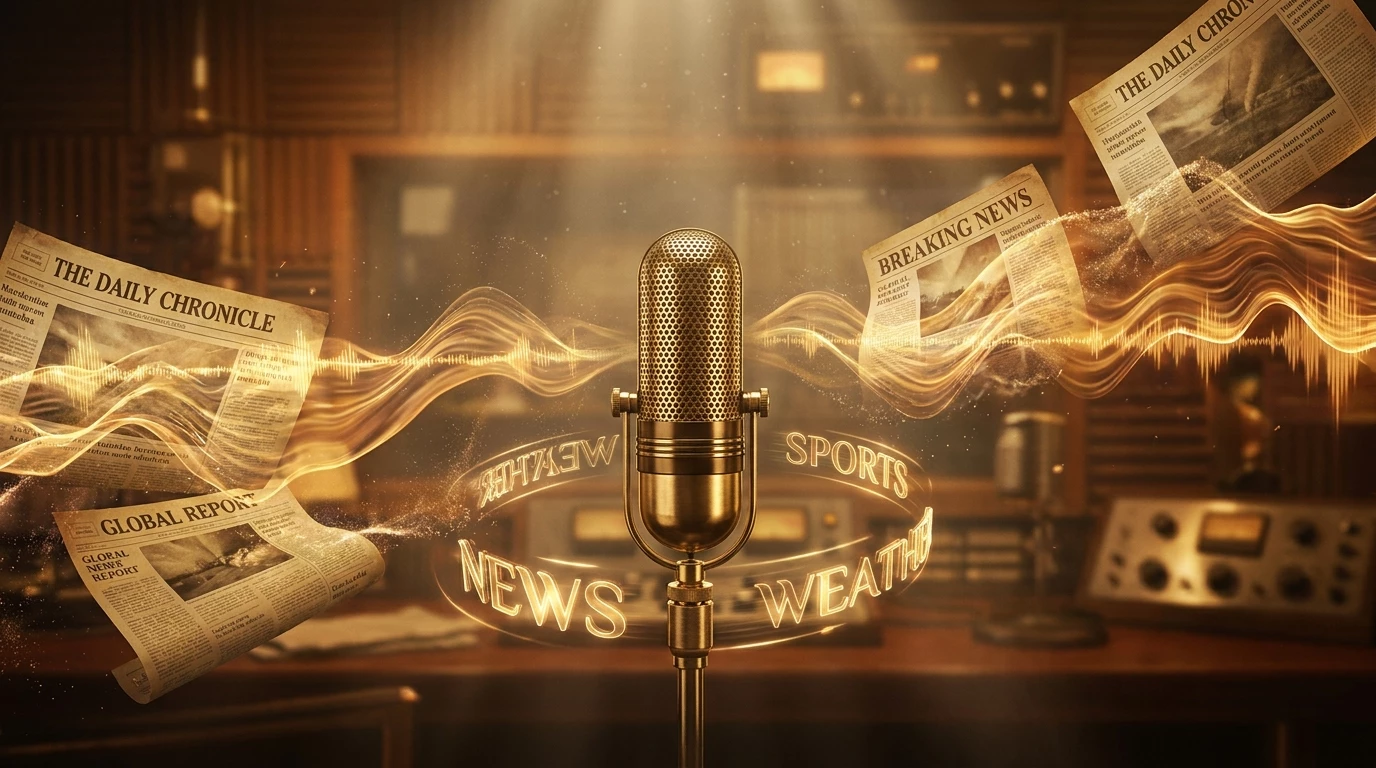
Shows are longer, more elaborate audio formats. They cover a topic in depth: news, culture, sports, technology, health... They are excellent for enriching your programming and building a loyal audience around regular content.
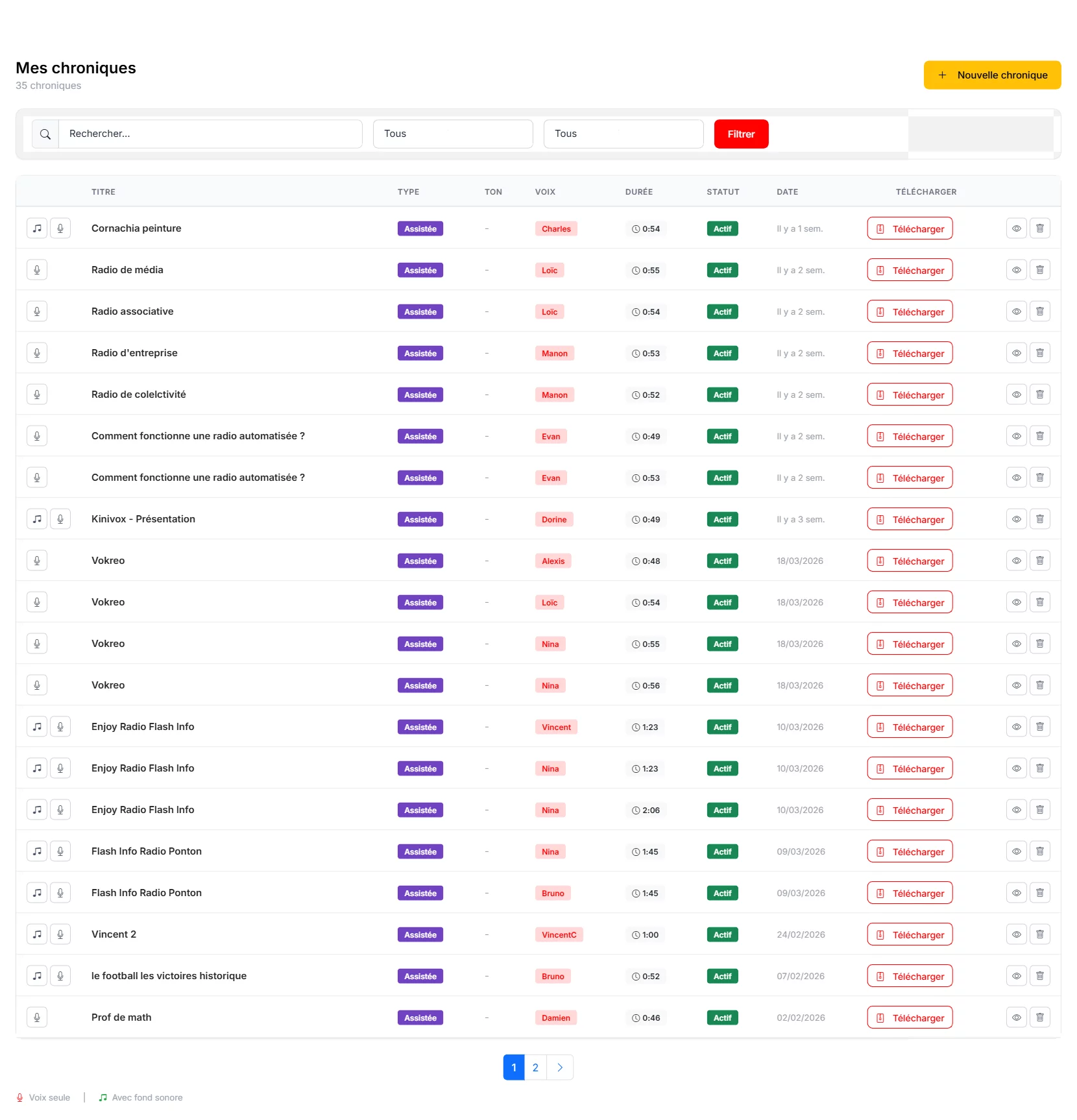
Creating a Show
Go to the "Shows" section from the sidebar menu, then click "New Show". Shows offer a more in-depth format than spots or jingles, allowing you to develop complete topics.
Configuration
Shows have the same configuration options as other productions:

- Title : Name your show clearly (e.g., "Tech Weekly", "Morning Health Tips").
- Voice : Select from 61 available voices. Choose a warm, authoritative voice that suits your topic.
- Intonation : For shows, "Local Radio Host" or "Warm & Trusting" works particularly well.
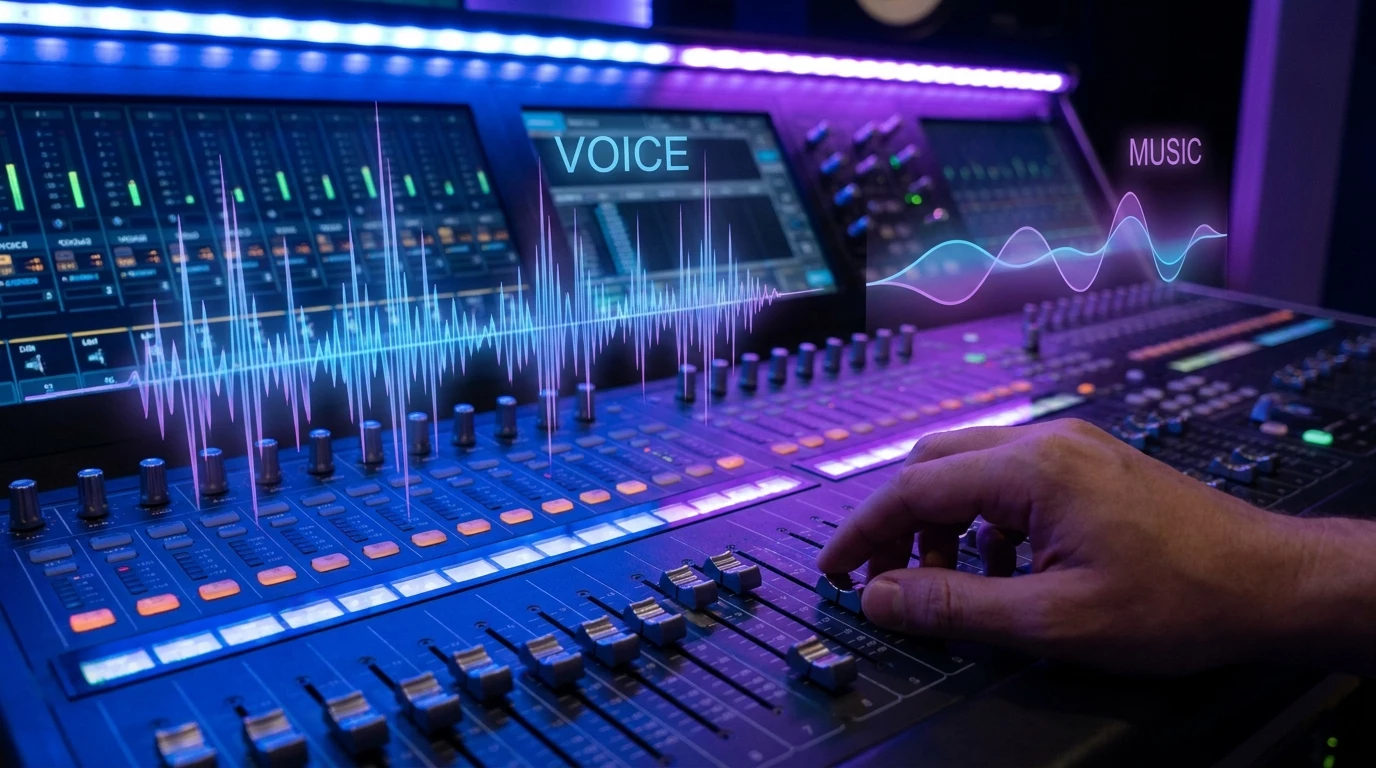
- Background sound : A subtle background bed can enhance the atmosphere.
Writing the Script
Unlike spots or jingles, shows allow for longer, more detailed scripts. You can write a complete narrative on your chosen topic. The AI generation feature is especially useful here: provide a subject and let the AI draft a comprehensive show script that you can then refine.
Structure your show with a clear opening, body, and conclusion. Include transitions and calls to action where appropriate.
Generate and Distribute
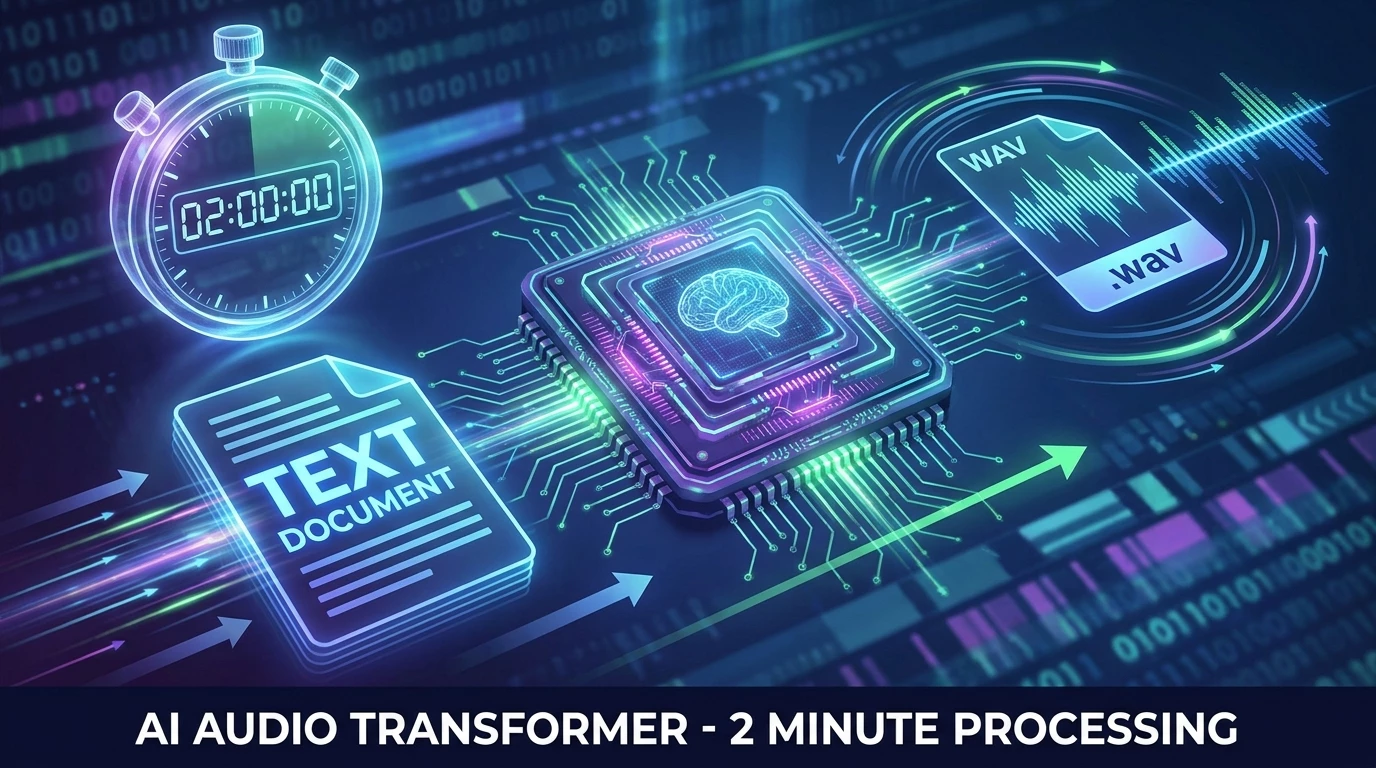
Click "Generate" to produce the show. The AI handles voice synthesis, intonation, and mixing with your chosen background. Once complete, download the MP3 and integrate it into your broadcast schedule.

Use Cases
- Morning radio : Daily news review in a conversational format.
- Thematic series : Weekly episodes on a niche topic.
- Branded content : Shows sponsored by clients.
- Education : Audio training content.
- Entertainment : Virtual talk shows and magazine formats.
To complete your programming, discover how to create a complete podcast with multiple AI voices, or how to automate your voice tracks. Find all features in our getting started guide.