The News Flash: An Essential Format
The news flash is the backbone of any radio schedule. In thirty to sixty seconds, it delivers the essentials and keeps listeners coming back at fixed times. It's also a credibility marker: a station that broadcasts regular news flashes is perceived as professional and reliable.
But producing four to eight flashes per day requires a full-time journalist: monitoring, writing, recording, editing. For a local radio with limited resources, it's often the first content to be cut. With AI voice technology, this constraint disappears.
How to Create a News Flash with SpeakRadio
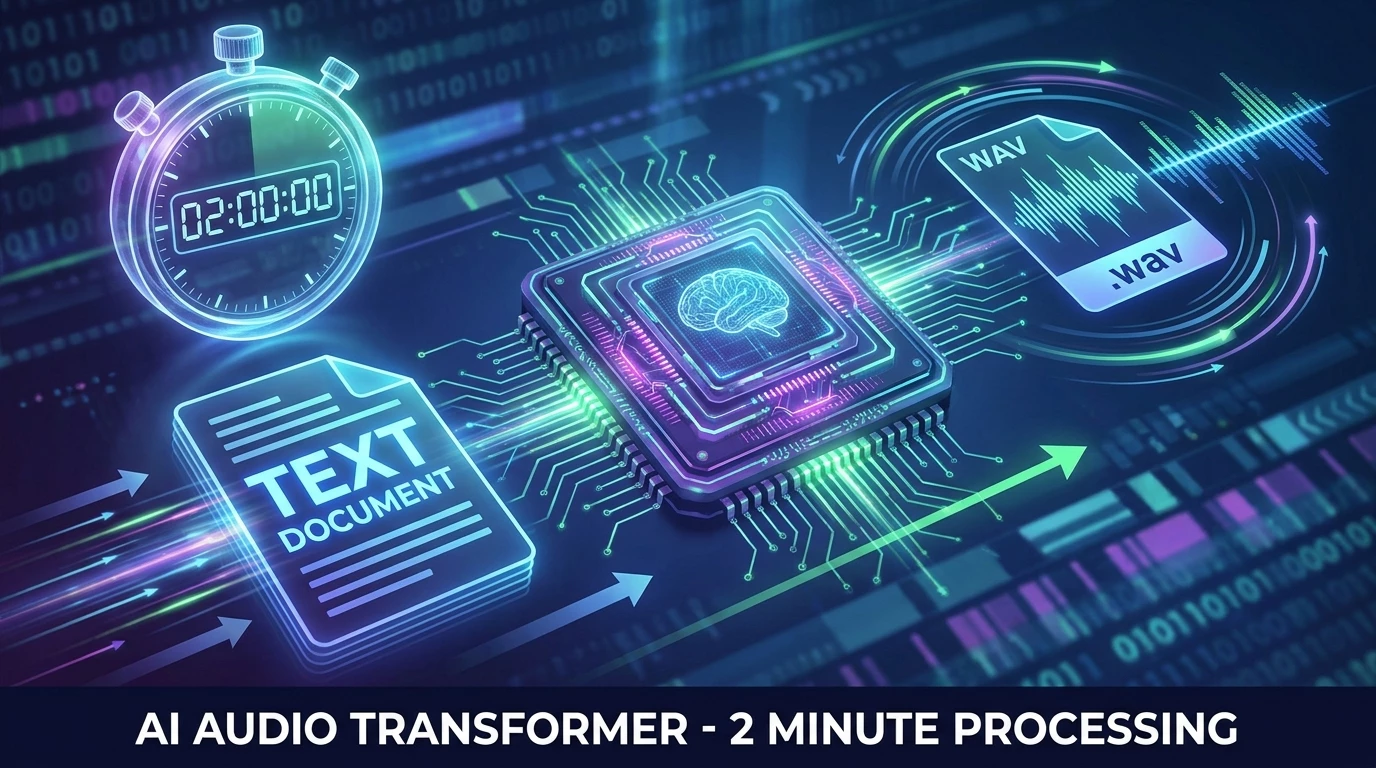
The process breaks down into three simple steps. First, you write your script or let the AI generate it from sources (RSS feeds, wire services, press releases). Then, you choose a journalistic voice from our catalog: clear and fast, analytical, or local proximity. Finally, you select a soundtrack suited to the topic and a professional intonation.
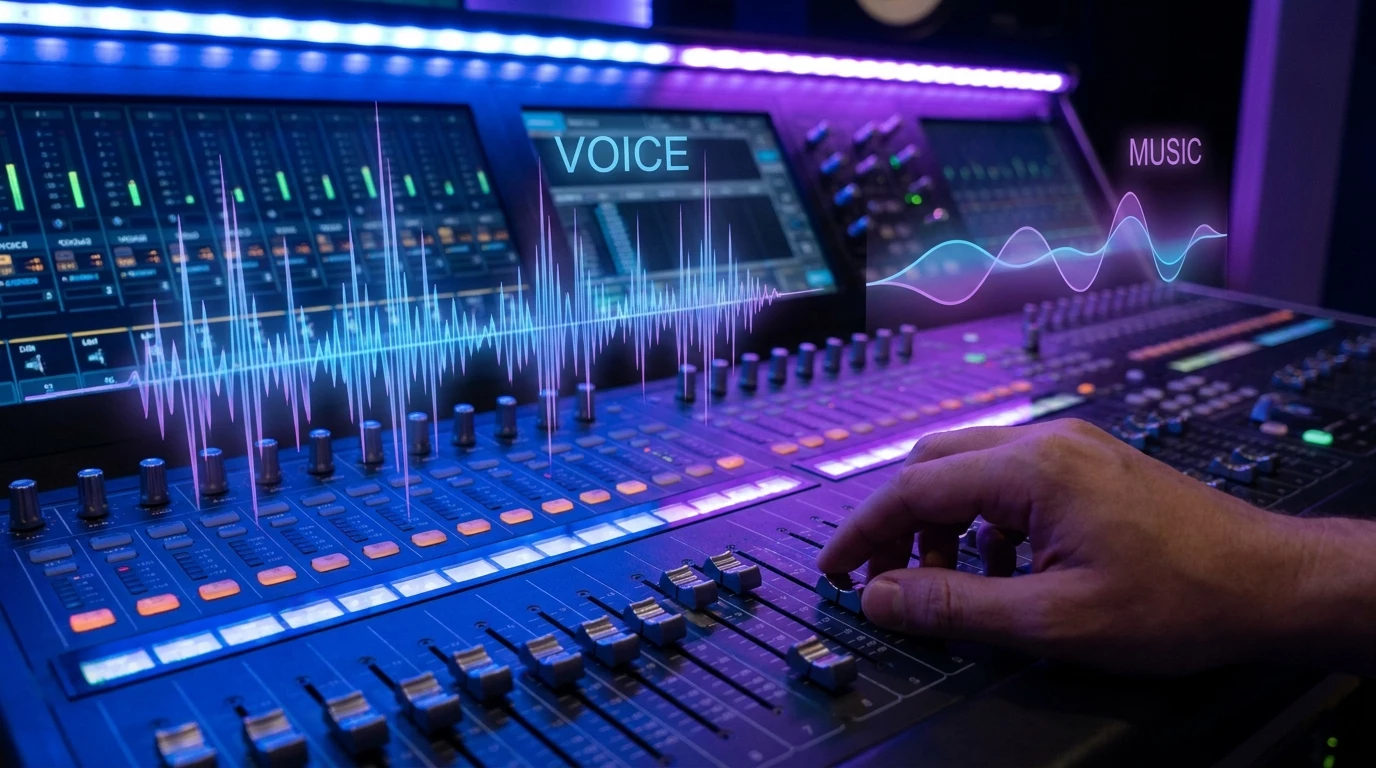
SpeakRadio automatically handles voice and music mixing, with sound levels calibrated for radio broadcast: the voice always stays in the foreground while the soundtrack creates atmosphere without hindering comprehension.
3 AI-Generated News Flash Examples
To illustrate the format's versatility, here are three news flashes on very different topics. Each uses a different voice, a different soundtrack, and a journalistic intonation adapted to the subject.
1. Local News Flash — The Meaux Market
Voice: Manon — Local Proximity Flash intonation
Soundtrack: Grooves — warm and dynamic ambiance
A typical local radio flash: community news, accessible tone, practical details for local listeners. This format works particularly well for covering municipal events, shop openings, or local entertainment.
2. Digital News Flash — AI Regulation
Voice: Philippe — Fast and Analytical Journalist intonation
Soundtrack: Economy — sustained and professional rhythm
A technology and digital economy flash with a more assertive voice and rapid delivery. The analytical intonation is perfectly suited to complex subjects requiring clarity and authority. Ideal for tech columns, economic reports, or regulatory announcements.
3. History Flash — The First Radio Broadcast
Voice: Christophe — Clear and Reliable Flash Info intonation
Soundtrack: History — narrative and solemn atmosphere
A flash that revisits a landmark event in radio history. The tone is measured, the pace deliberate, and the soundtrack evokes documentary narration. This format is perfect for "on this day" features, ephemerides, or historical theme series.
Varying Voices and Atmospheres: The Key to a Living Schedule
One of the major advantages of AI voice technology is the ability to vary voices from one flash to the next. A female voice for the morning local flash, a male voice for the midday economic flash, a measured voice for the evening historical feature. This diversity, impossible with a single journalist, gives your schedule a dynamism that listeners notice.
Similarly, each topic can have its own signature soundtrack. Listeners unconsciously associate a jingle or atmosphere with a type of content, which strengthens your station's sonic identity.
Tips for an Effective News Flash
A good news flash follows a few essential rules. The script should be between 80 and 150 words to fit within 30 to 60 seconds. Each flash covers only one main topic to remain impactful. Sentences are short and direct, built on a subject-verb-object structure.
Always start with a clear marker (Local News Flash, Tech Update) to immediately capture attention. End with a signature that anchors the brand and creates a sonic landmark for the listener.
With voice track automation and AI-powered news flash generation, a local radio can now offer a complete news schedule with minimal time investment. Discover how to get started with SpeakRadio and produce your first flashes in minutes.